

Sign up for GRID
Head over to app.grid.is and create an account in just a few seconds.
Add a spreadsheet
Once you’re logged in, navigate to your spreadsheets overview, click Add Spreadsheet, and upload your file.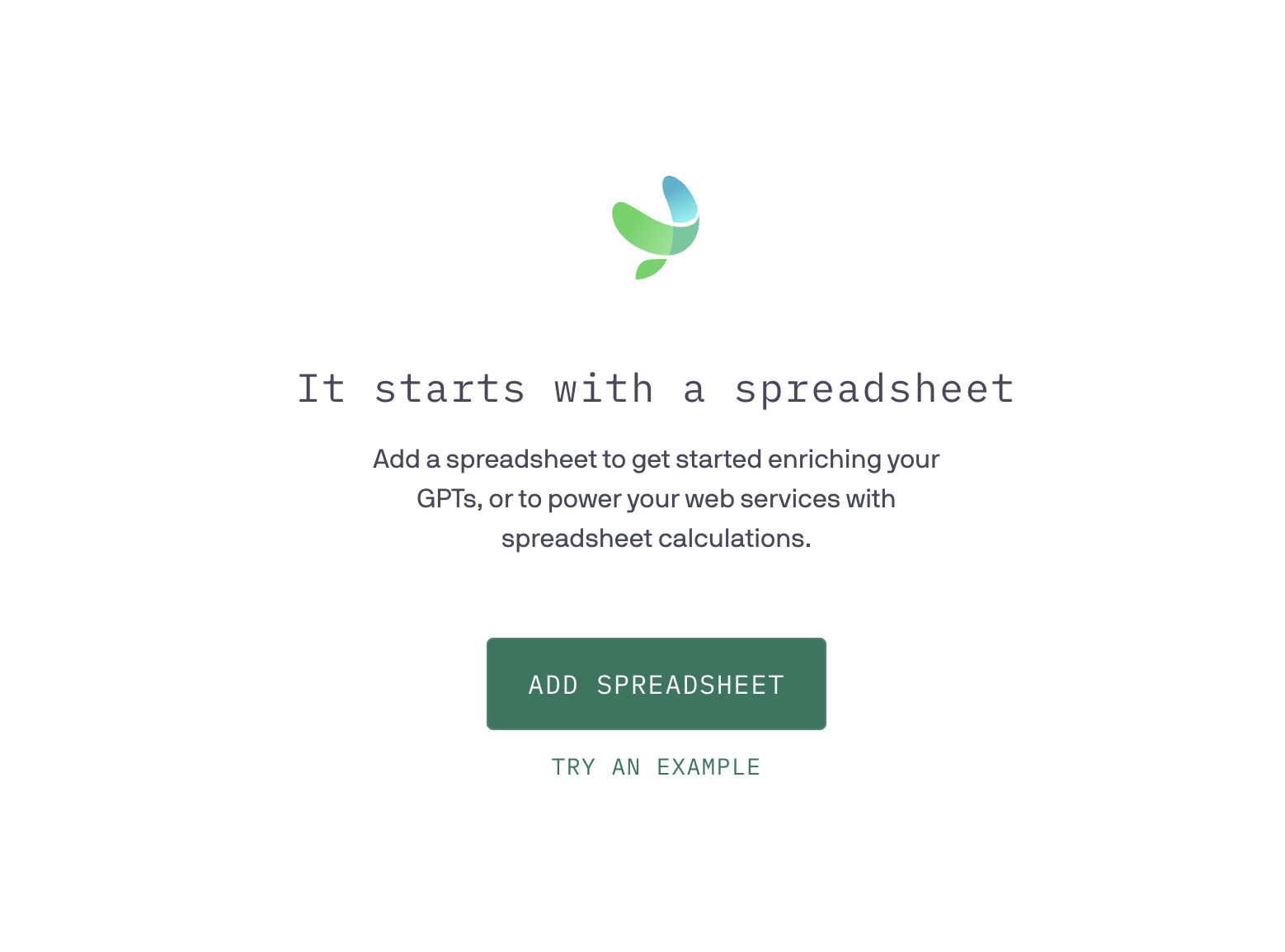
Get the spreadsheet id
Once it’s been uploaded, go to the spreadsheet’s details page to get the spreadsheet id. You’ll need this when you call the API.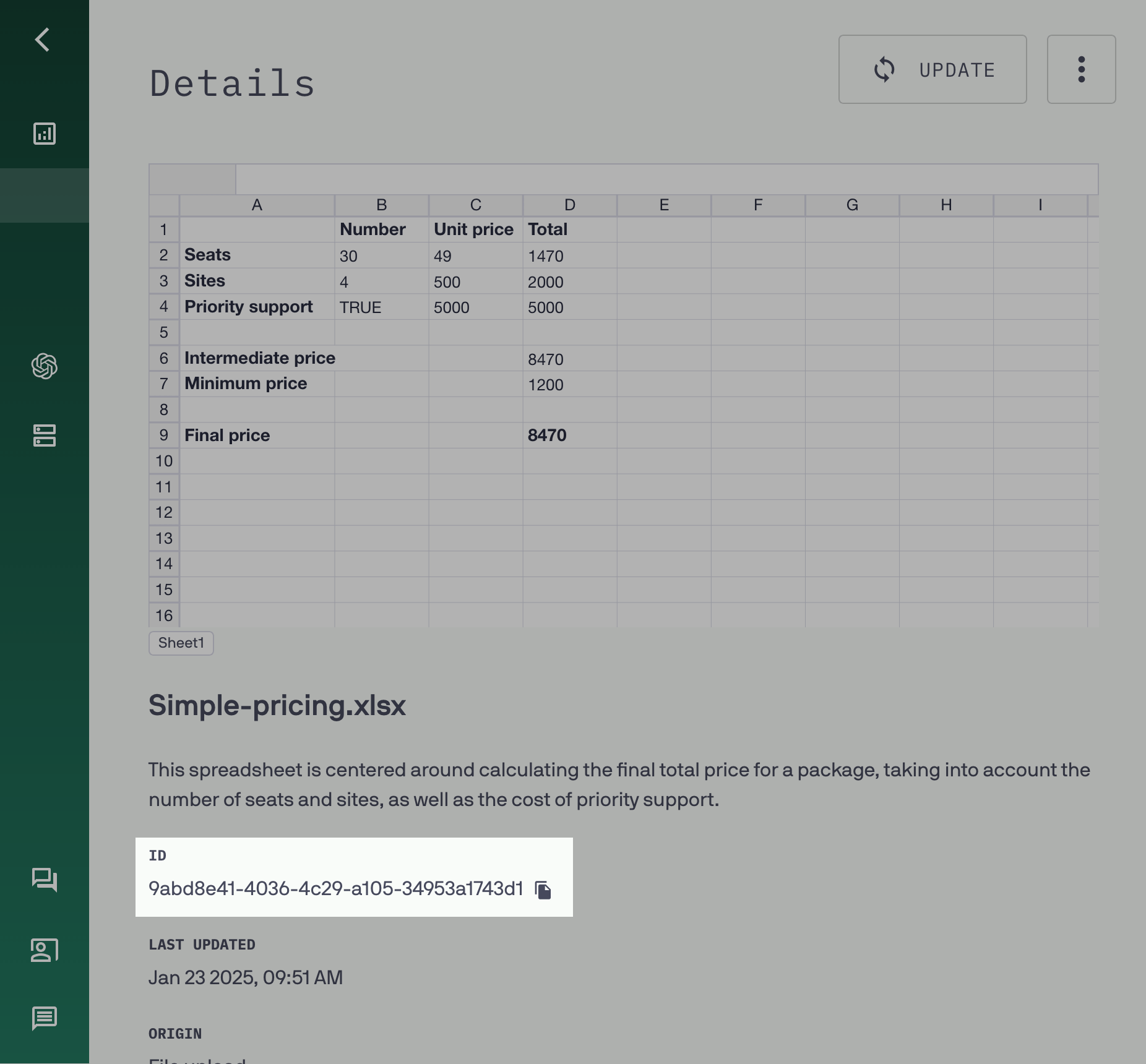
Get an API key
Go to your account settings and copy your API key.
Make your first API request
Use your API key and spreadsheet id to make your first query. Read the documentation on querying your data, and then try it out in the query playground.